

Search clicks fall around Christmas, then start picking up a few days later. Should you change the titles or content?
While reviewing search performance from late 2025 into the following year, I found that two holiday checks had reached opposite conclusions about how quickly desktop and mobile recovered. The holidays were worth investigating, but “people are on holiday” was not enough reason to keep waiting.
Two holidays, opposite assessments of device recovery
The first check marked December 23–26 as a period of falling clicks, followed by signs of recovery. The assessment at the time was that desktop recovered more slowly than mobile. During the New Year week, December 30–31 was again marked as a declining period, with recovery starting after January 1. This time, desktop was judged to be faster.

The available observations do not explain why the assessments differed. I would first check the queries, pages, markets, device filters and observation endpoints. Did “recovery” mean that clicks had returned to their previous level, or only that they were above the low point? Without defining that baseline, it is hard to set a sensible date to stop waiting.
The charts also covered different device scopes, and comparable daily data was missing, so there was no basis for calculating which device recovered faster. The holiday explanation remained worth checking, but the observations could establish neither the cause of the decline nor how many days to wait.
Rule out problems, then align the calendar
If pages will not load, a recent change has accidentally added noindex, redirects are failing, or important pages show unexpected indexing changes, investigate those issues first. Holidays and technical faults can happen together. A date on the calendar does not excuse a confirmed problem. Google's search-traffic drop guide also treats technical issues and seasonality as separate lines of investigation.
If no such problem is apparent, keep the market, device, search type, and queries or pages fixed in GSC, then compare complete periods of equal length. Keep any newest dates marked as preliminary separate from complete days; Google's data documentation explains that label. If the question is why search clicks and backend visits disagree, start with this measurement review.
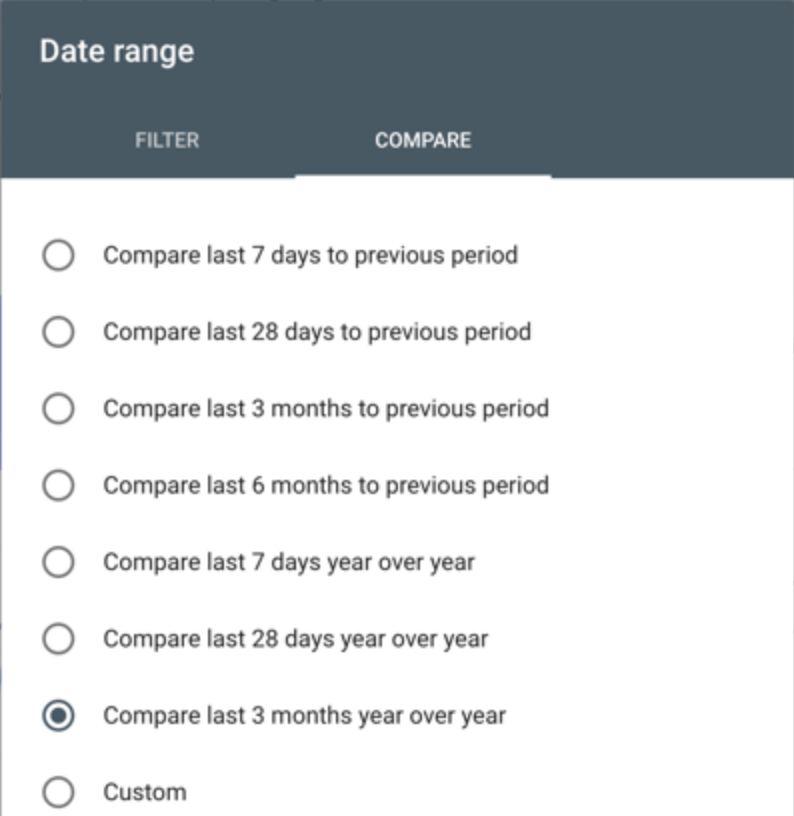
Year-over-year comparisons need calendar context, too. The same date can fall on a different weekday, while pre-holiday buying, time off and the return to work may follow different schedules. I would separate the pre-holiday, holiday and post-holiday periods, check their weekday mix, and also look at complete weeks. A pre-Christmas shopping peak is not automatically the normal baseline for the days afterward. GSC's comparison guidance notes that weekly or monthly views can reduce weekday effects; investigating a particular few days still requires daily data.
Compare your declining queries with wider demand
Within the same scope, identify queries and corresponding pages with substantial losses, then look up those queries in Google Trends. Record the region, search type, time range, and whether you used a search term or a topic. A product query in one market should not be compared with worldwide interest across unrelated categories.
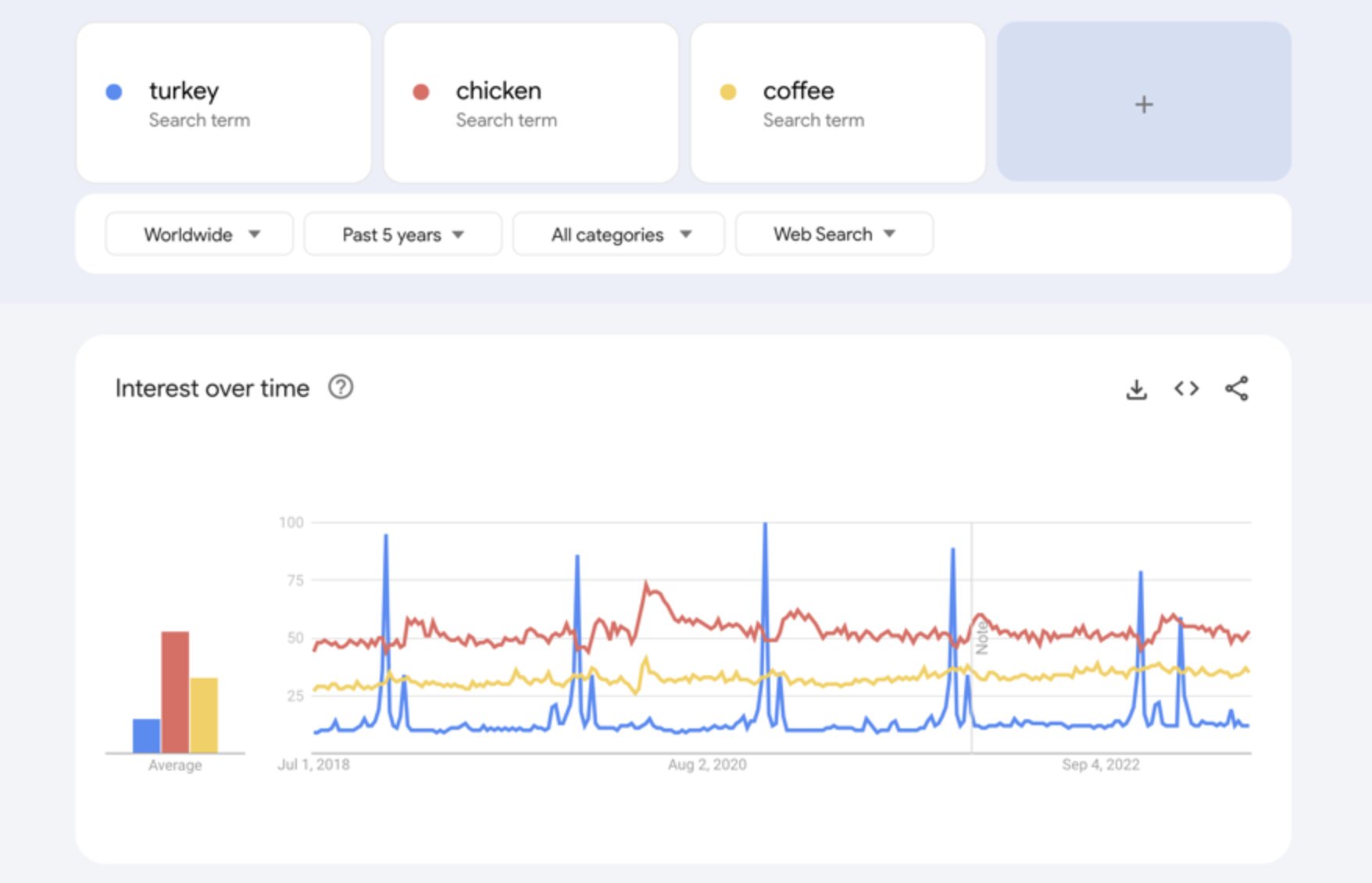
Keep demand clues separate from website performance. Trends' 0–100 scale represents normalized relative interest, not a count of searches. A low-volume term showing 0 does not mean nobody searched. Google's data FAQ explains these limits. I would compare the direction of change for the same query around the holiday, without treating the fall in its interest index as the percentage of clicks the website should lose.
If external interest, your impressions and your clicks fall around the same time and later show similar recoveries, demand changes remain a plausible explanation to investigate. But falling impressions can also reflect changes in visibility, so similar curves do not settle the question. If impression counts are similar but clicks are down, examine CTR, position and the search results for the same query and page. When positions and the query mix have both changed, a sitewide average can conceal the differences.
Decide when to keep watching and when to stop waiting
“Keep watching” should come with a review date and conditions that would change the decision. For example, follow the same queries, pages and devices until an agreed, complete post-holiday window ends, then compare them with the reference period. If demand has recovered while those pages remain weaker, stop simply waiting and investigate their performance. Choose the window according to your query volume and historical patterns, rather than prescribing three days or a week for every site.
| New finding | Next step |
|---|---|
| A clear problem with access, indexing or a recent release | Investigate immediately. Record when any fix took effect rather than continuing to attribute the decline to the holiday. |
| No additional technical, ranking or page issue is apparent, and demand and website performance show similar fluctuations | Hold off on bulk page changes. Preserve the same data scope and review it at the agreed time. |
| Demand recovers, but particular queries or pages keep lagging | Narrow the investigation to affected pages and devices; check positions, search appearance and recent changes. |
Use this blank review log to record comparison periods, filters, demand references and the next review point. It has no prefilled results. If data is incomplete or the clues conflict, leave the judgment open.
What matters more to me in these two checks is not which device should recover first, but whether waiting has a basis. Check for problems, align the calendar and queries, and set a time to reconsider. That gives you a way to decide whether to change the pages this time.