GA4 now has an AI Assistant traffic channel. Learn what ai-assistant means, what it can and cannot measure, and how GEO teams should report AI traffic.
Short answer: Google Analytics added a dedicated AI Assistant traffic measurement on May 13, 2026. When GA4 identifies a visit from a recognized AI assistant referrer, it can set the medium to ai-assistant, group the visit under the AI Assistant default channel group, and use (ai-assistant) as the campaign value. This is useful because identifiable clicks from tools such as ChatGPT, Gemini, and Claude no longer have to hide inside Referral, Direct, or custom regex workarounds. It is not a complete AI visibility report. It measures identifiable clicks, not every AI answer, citation, brand mention, or assisted search journey.
Last updated: 2026-05-17
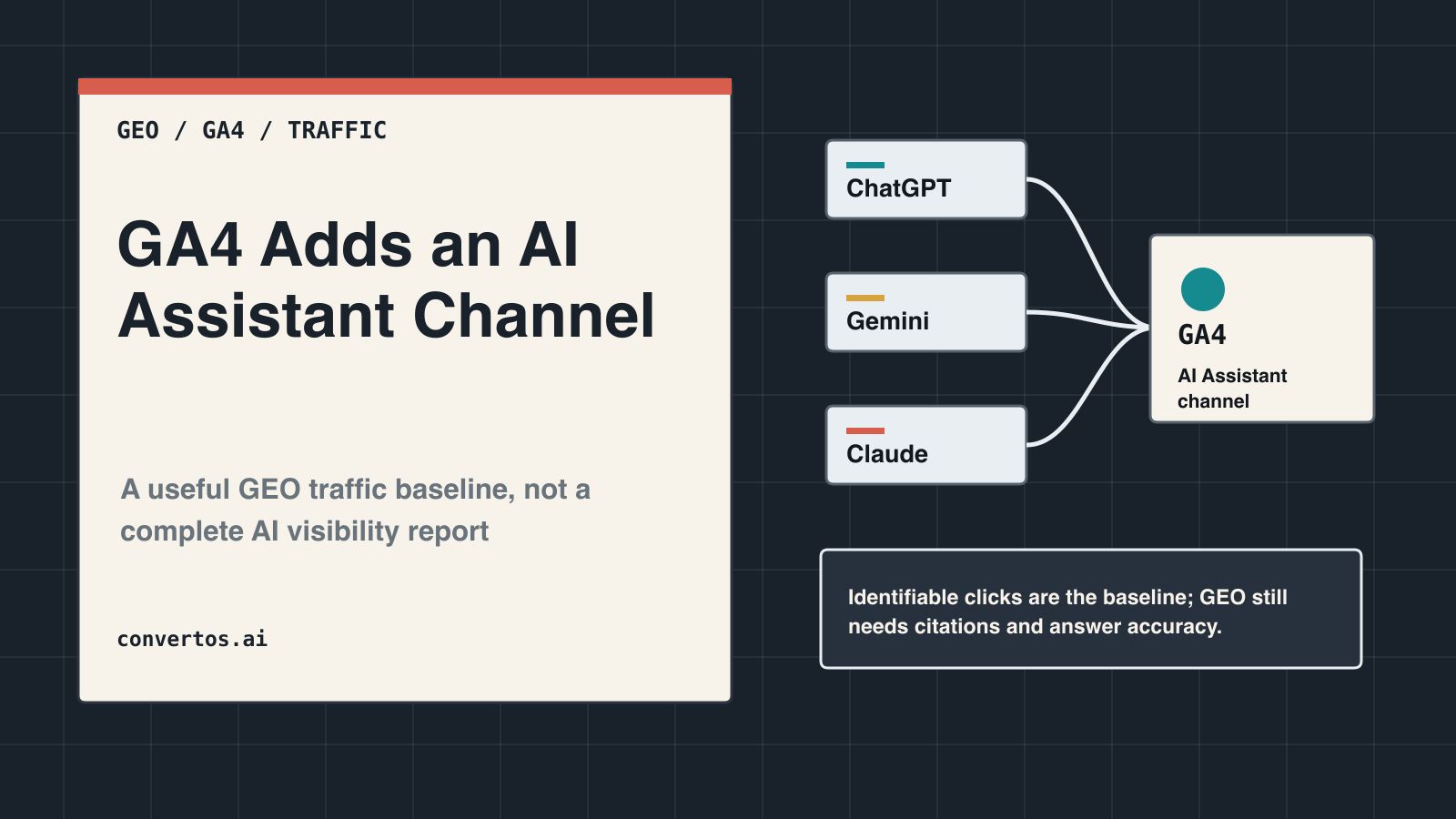
This cover treats AI assistant traffic as a measurable baseline: useful for GA4 reporting, but incomplete without prompt retesting and citation monitoring.40-second video: what GA4’s AI Assistant channel measures, what it misses, and how GEO teams should report the gap.Video summary: The video turns the update into five steps: GA4 now has an AI Assistant channel; the channel depends on recognizable referrers; the data shows clicks, not total AI influence; reporting should break traffic down by source, landing page, and conversion; GEO teams should pair GA4 with prompt retesting and citation monitoring.
What Actually Changed?
Google’s official Analytics update calls this “New AI Assistant traffic measurement.” The change is not a new standalone product. It is an automatic traffic-source classification update inside GA4.
Dimension
New value
How to read it
Medium
ai-assistant
GA4 identified the visit as coming from an AI assistant source
Default channel group
AI Assistant
Acquisition reports can aggregate these visits under a native channel
Campaign
(ai-assistant)
GA4 reserves a campaign value for this traffic type
This is a practical win for GEO reporting. Search Engine Land framed the update as a way to see which AI tools drive visits and whether those users convert differently. Before this update, AI assistant clicks often sat inside Referral, Direct, or a custom channel group built with regex patterns. Now, at least for the traffic GA4 can recognize, teams can inspect sessions, landing pages, engagement, key events, and revenue under a standard acquisition channel.
The wording still matters. Google names popular assistants such as ChatGPT, Gemini, and Claude as examples. That does not mean Google has published the full list of recognized referrers. If a tool does not appear under AI Assistant, you cannot safely conclude it sent no AI-related traffic.
Do Not Treat It as a Complete AI Search Report
The AI Assistant channel solves an attribution problem. It does not solve the whole AI-search visibility problem. Search Engine Journal also noted the referrer limitation: AI assistant traffic without a referrer may still land in Direct. GA4 can show that a user clicked from an identifiable AI assistant. It cannot show whether an AI answer cited your page, whether the answer described your brand correctly, whether a user saw you in an AI answer and later searched your brand, or whether a platform influenced a visit without passing a referrer.
The common reporting mistakes are predictable.
Mistake
Why it is wrong
Better reading
“AI Assistant traffic equals total AI search impact”
Only identifiable clicks can land in the channel
Treat it as a lower-bound click signal
“No AI Assistant traffic means no AI influence”
Apps, copied links, privacy controls, and missing referrers can send visits elsewhere
Compare Direct, Referral, branded search, and prompt tests
“AI Assistant and Google AI Overviews are the same thing”
The GA4 update is about AI assistant referrers; Google Search AI experiences need a separate Search Console and Organic Search view
Analyze assistant clicks and Google Search AI experiences separately
“The channel proves we were cited”
A click is not the same as a citation
Track citation rate, brand mentions, and answer accuracy separately
This is why a GEO report should not stop at one GA4 screenshot. GA4 has given teams a cleaner traffic line. GEO still has to answer whether AI systems are actually using the site as a reliable source.
The 5 GA4 Views to Check First
The exact GA4 interface may change, but the reporting logic is stable. Find the AI Assistant channel first, then break it down by source, page, and business outcome. Avoid leading with a single all-site total. Early channel data may be small, and small numbers can make percentage changes look more dramatic than they are.
Acquisition reports: Use Session default channel group and look for AI Assistant. Start with sessions, engaged sessions, key events, and revenue.
Source / medium: Add source and medium to see which visible AI assistants are sending clicks.
Landing pages: Filter landing pages by the AI Assistant channel. GEO teams should inspect whether those pages answer the user’s likely task clearly.
Conversion paths: Compare AI Assistant, Organic Search, Referral, and Direct. For B2B SaaS, avoid judging everything by last click.
Weekly trend: Look at week-over-week movement, not one-day spikes. The feature is new, and platform referrer behavior can shift.
If you already use a custom AI traffic channel group, keep it for now. Run it beside the native channel for two to four weeks. Compare what the official channel captures, which sources only appear in your custom rules, and whether any dashboards double-count the same visits.
How a GEO Report Should Frame the Data
A useful GEO report should not say, “AI Assistant traffic is up 300%” in isolation. If the base is tiny, that number is more theater than insight. A stronger report connects GA4 traffic, prompt retesting, and page-level work.
Report item
GA4 view
GEO interpretation
Caveat
AI Assistant sessions
Session default channel group = AI Assistant
Scale of identifiable AI assistant clicks
Not total AI influence
Source / medium
source + ai-assistant
Which assistants sent visible clicks
Full recognized list is not public
Landing page
Landing page filtered by channel
Which pages AI users clicked into
Check whether pages include answer blocks and evidence
Key events / revenue
Conversions inside the AI Assistant segment
Whether the traffic has business value
Early samples can be small
Prompt mention rate
Fixed prompt retests
Whether AI answers mention the brand
GA4 does not provide this metric
Citation accuracy
Record cited URLs and factual accuracy
Whether content is being used correctly
Requires human or specialist-tool review
This format lets an executive see both the click data that already exists and the AI-answer influence GA4 cannot see. It also prevents the new channel from being oversold as a stand-alone growth story.
A 7-Day Setup Checklist
Day 1: Check whether AI Assistant appears in GA4. Use the GA4 default channel group documentation to keep the default-channel language precise. If the channel does not appear yet, document the property, date, timezone, and current reporting setup. That becomes the baseline.
Day 2: Build an exploration with Session default channel group, Session source / medium, and Landing page. Use sessions, engaged sessions, key events, and revenue as the starting metrics.
Day 3: Keep your old custom AI traffic rules. Compare them with the native channel and identify sources that still appear under Referral or Direct.
Day 4: Pull the top 10 landing pages from AI Assistant traffic. Check whether each page answers a clear question above the fold, opens major sections with a concise answer block, and supports claims with sources. For page rewrites, start with answer block writing for AI citations.
Day 5: Create a 30-prompt GEO retest set. Cover brand, category, competitor, pain point, buying, and implementation questions. Record whether AI systems mention the brand, cite a URL, and describe the offer accurately; a workflow such as Citation Check can turn this into a repeatable review.
Day 6: Compare AI Assistant conversions with Organic Search, Referral, and Direct. For long buying journeys, include assisted paths instead of relying only on last click.
Day 7: Write a measurement note. State that GA4 AI Assistant is an identifiable-click view, prompt retesting is an answer-visibility view, and Search Console is a Google Search exposure and click view. These are related, but they are not interchangeable.
When Custom Channel Groups Still Matter
The native AI Assistant channel does not make custom groups useless. GA4 custom channel groups still help when you need a supplemental view. The default channel depends on Google’s recognition rules, and Google has not published the full recognized referrer list. Some platforms, apps, or click paths may still show up somewhere else.
Keep a custom channel group when you need year-over-year continuity, when you care about specific tools that may not be covered, or when you see suspicious AI-like referrals outside the new channel. Custom grouping is also useful when you want a “possible AI referral” view next to the official AI Assistant view.
The discipline is to keep the labels honest. Do not move every uncertain visit into AI just because the story looks better. A clean dashboard can show three lines: official AI Assistant, custom AI-like referrals, and unconfirmed Direct uplift.
FAQ
Source signal: SERP question signals, related searches, YouTube video titles, and community discussions repeatedly asked how to track ChatGPT or AI traffic in GA4, whether AI Assistant differs from AI Overviews, and whether custom channel groups are still needed.
Does the GA4 AI Assistant channel appear automatically?
Yes. Google describes the values as automatically assigned when the referrer matches a recognized AI Assistant. You do not need new UTMs for the native default channel itself.
Can it track ChatGPT traffic?
It can track some ChatGPT traffic. Google names ChatGPT as an example, but visits without usable referrer data may still appear as Direct or another channel.
Is AI Assistant traffic the same as GEO success?
No. AI Assistant traffic shows that some users clicked from AI assistants. GEO success also depends on whether AI answers mention the brand, cite the right pages, describe the offer accurately, and lead users to useful next steps.
Should I delete my old AI traffic dashboard?
Not yet. Run the old custom view beside the native AI Assistant channel for two to four weeks. Then decide whether to merge it, rename it, or keep it as a supplemental “possible AI referral” view.
Will Google AI Overviews clicks show up as AI Assistant?
Do not assume that. The AI Assistant channel is about recognized AI assistant referrers. Google Search AI experiences should be analyzed with Search Console, Organic Search, query data, landing pages, and CTR changes.